Basic Smart Home Integration for Beginners
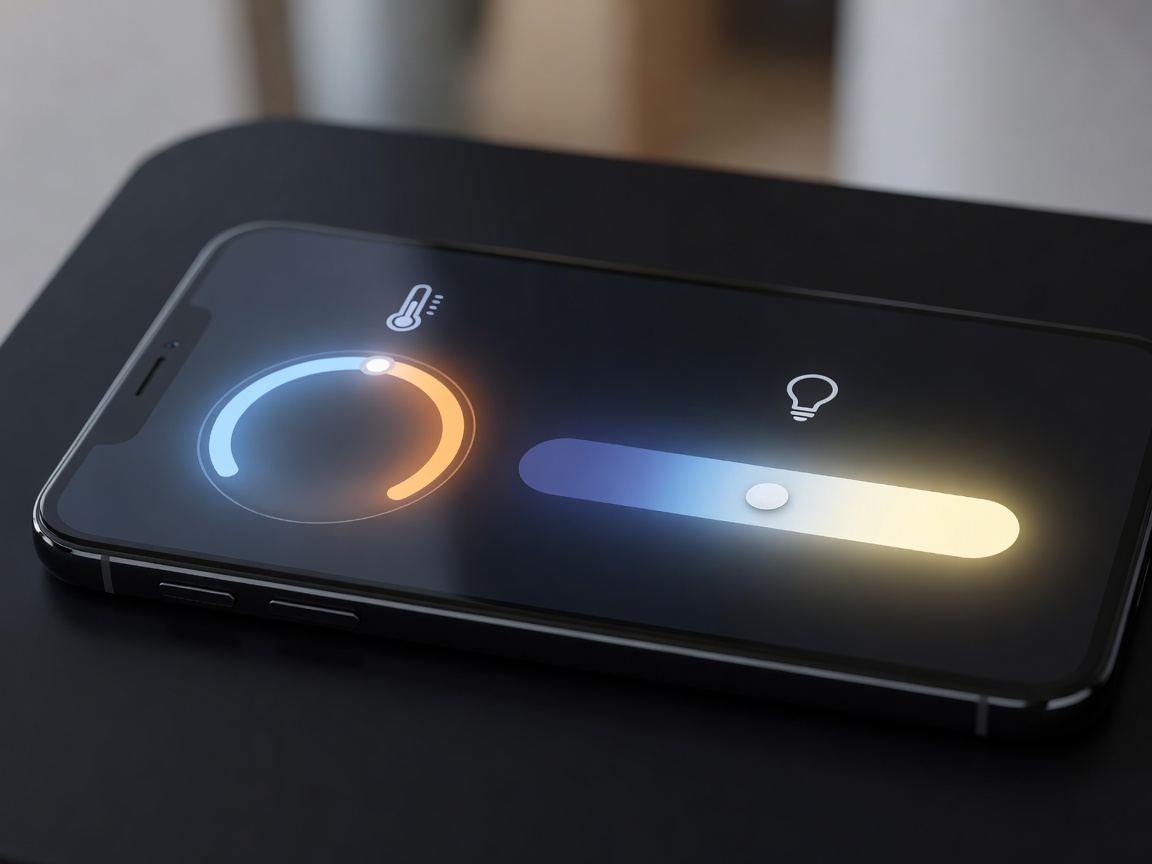
Integrating smart home technology can increase daily convenience, improve energy efficiency, and bolster property security. However, diving into home automation without a plan often leads to fragmented systems and frustrated users. Building a reliable smart home starts with a strong networking foundation and an understanding of interoperability protocols.
The Foundation: Network Infrastructure
Every smart device relies on a robust network connection to function properly. Standard internet routers supplied by ISPs are frequently inadequate for handling dozens of simultaneous smart device connections alongside standard browsing and streaming traffic. Upgrading to a Mesh Wi-Fi network ensures consistent coverage across the home, eliminating "dead zones" where smart switches or cameras might drop offline.
Understanding Protocols: Wi-Fi, Zigbee, and Z-Wave
Devices communicate using different radio frequencies. Choosing the right protocol affects your network's speed and reliability.
- Wi-Fi Devices: Connect directly to your router. They are generally easier for beginners to set up and do not require a separate hub. However, installing too many Wi-Fi smart devices can crowd your bandwidth.
- Zigbee and Z-Wave: These protocols operate on different frequencies than standard Wi-Fi, creating a "mesh" network among themselves. They require a central hub to bridge the connection to your internet router. These are preferred for large networks (like entire-house lighting) as they are highly reliable and do not bog down your primary Wi-Fi.
Starting Points for Integration
For a seamless introduction to home automation, consider starting with these impactful categories:
1. Smart Climate Control
A smart thermostat is often the most cost-effective entry point. These devices learn your daily schedule and adjust temperatures accordingly, reducing HVAC operation when the house is empty. They can also be controlled remotely, allowing you to heat or cool the home right before you arrive.
2. Automated Lighting
Instead of purchasing individual smart bulbs, consider installing smart wall switches. A smart switch controls the existing lighting fixtures, meaning the smart functionality remains intact even if someone physically flips the switch off. This provides seamless integration for household members accustomed to traditional controls while still enabling scheduled routines and voice commands.
3. Security and Access
Smart locks and video doorbells provide peace of mind by allowing you to monitor entryways remotely. When selecting smart locks, look for models that retain a physical keyhole as a backup, and ensure your front door is properly aligned so the automated deadbolt can engage without friction.
Security Considerations
Always prioritize digital security when connecting physical hardware to the internet. Change default passwords on all devices immediately upon setup, enable Two-Factor Authentication (2FA) on the controlling apps, and routinely check for manufacturer firmware updates to patch potential vulnerabilities.